



Yetizino Mobile App: Android, iOS & Desktop
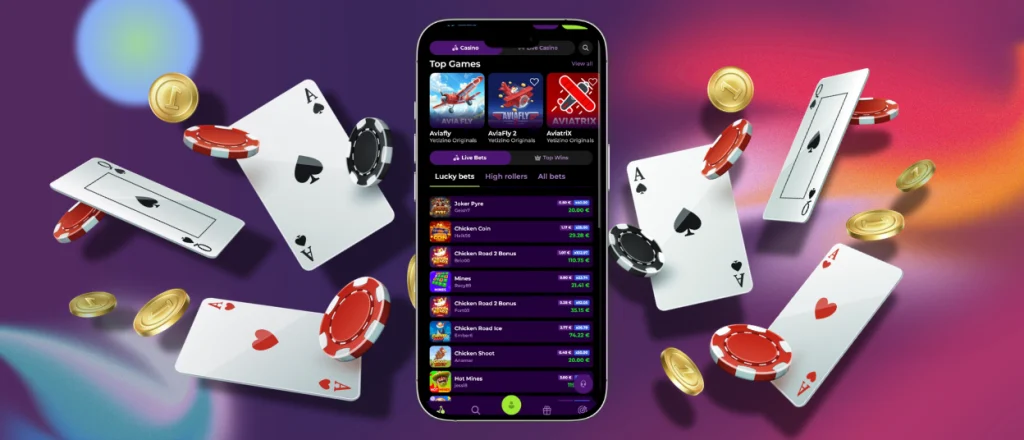
The Yetizino App puts the casino on your phone with a layout made for smaller screens. Games are easy to reach. Portuguese users also access their account and payments directly from a mobile device. It works through a progressive web app, keeping the mobile experience close to the desktop version.



Yetizino On Mobile
The Yetizino app keeps the main casino features easy to reach on a phone or tablet. The mobile layout is made for phone and tablet screens. It keeps gaming simple when you are away from your PC.
- Mobile access. Games and account tools are available directly from your phone.
- Smaller-screen layout. Pages resize for phones and tablets, keeping menus easy to use.
- Mobile slots. Start a slot game from your mobile device without going to a computer.
- Mobile betting. Make bets from your phone and check your betting activity on the same screen.
- PC difference. The desktop offers more room on the screen. The Yetizino mobile app works better when you want to play away from your computer.
After adding the shortcut, open the progressive web app from its home screen icon. You do not need a Yetizino APK file. There is no separate file to install.
Play on Android with PWA
The Yetizino app download on Android works through a PWA in Chrome. Customers add a shortcut to the home screen for direct access. One tap opens the casino without looking for the website in the browser.
To add the Android app shortcut:
- Open the casino website in Chrome.
- Tap the three-dot menu in the address bar.
- Select Add to Home Screen.
- Tap Add to confirm.
- If needed, drag the icon to another spot on your home screen.
Once the shortcut is on your home screen, tap it to launch the progressive web app.
Yeti Zino for iOS
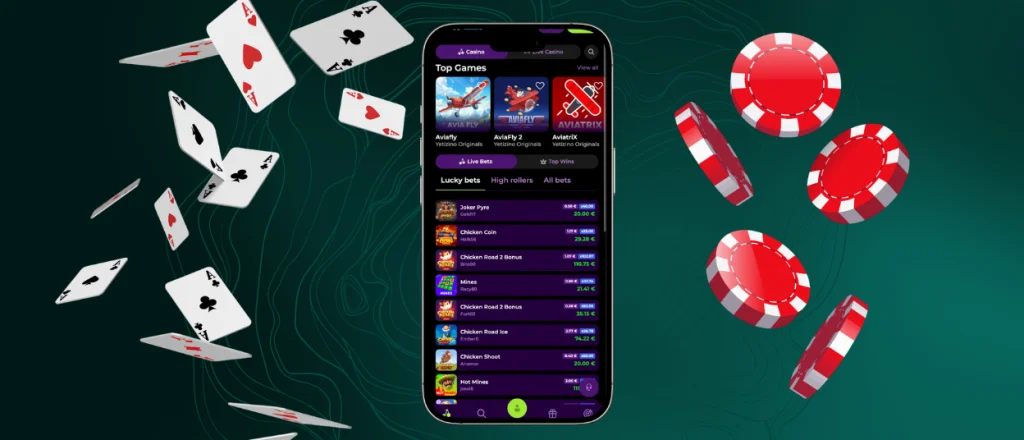
The Yeti Zino app gives iPhone and iPad users direct access to the mobile casino through Safari. The interface adjusts to the smaller screen, keeping games and account features easy to reach. Players also get access to mobile slots and other casino content from the same account used on desktop. After you add the shortcut, the iOS app gets its own icon on your home screen. Tap it to open the casino directly.
How to Add Yetizino to Your Home Screen
- Open the Yetizino website in Safari.
- Tap the Share button at the bottom of the screen.
- Scroll down and select Add to Home Screen.
- Check the shortcut name, then tap Add.
The Yetizino app gets its own icon on your home screen. Open it with one tap whenever you want to play on your iPhone or iPad.
Yetizino Desktop Experience
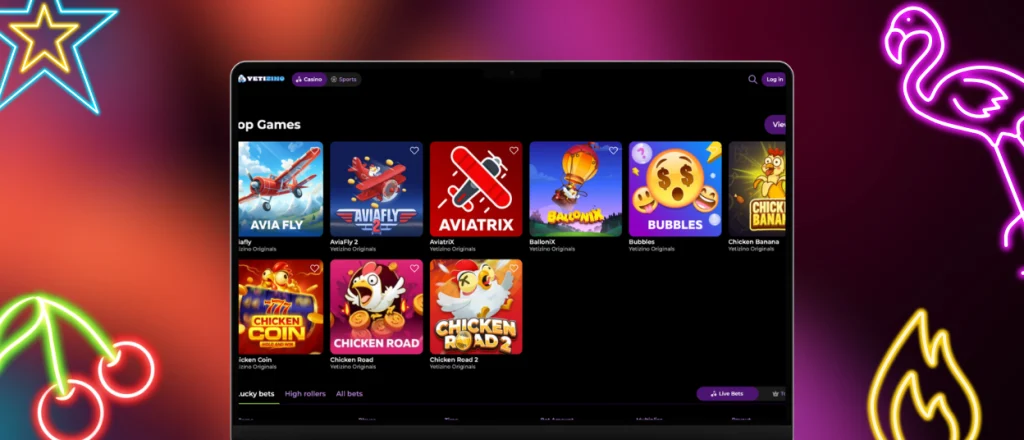
The Yetizino app also works on desktop computers through a web browser. The larger display gives games more screen space and makes account pages easier to view during longer sessions. Users keep access to the same balance and casino content they use on mobile.
For quicker access, the site can be saved as a desktop shortcut. Chrome lets gamers create one through Cast, save, and share > Create shortcut, while Microsoft Edge offers an option to install the site as an app. On newer macOS versions, Safari users can choose File > Add to Dock. Firefox users can drag the website icon from the address bar onto the desktop.
The shortcut gives you direct access from your desktop. Open it, and the casino loads in your browser, with no separate desktop software needed.
Cross-Device Synchronization
The Yetizino app keeps the same account connected across phones, tablets and desktop computers. Gamers keep one account across their devices. The same login details work on mobile and desktop. Your balance and account settings stay linked to that account.
This also applies when moving between the mobile casino and desktop site. Payment information and account details remain connected to your profile. Customers who switch devices during the day simply sign in again and continue from the same account. The Yeti Zino app keeps mobile access linked with the browser version, making it easier to use different devices without managing separate accounts.
FAQ
How do I update the Yetizino App to the latest version?
The Yetizino app gets its updates directly through the PWA. There is nothing to update by hand. Just open it from your home screen, and the current version loads.
Can the app send push notifications?
Push notifications depend on the permissions available on your device and browser.Turn on notifications in your device settings when prompted. Once enabled, alerts will appear on your device.
Can I move smoothly between desktop and PWA?
Yes. Your Yetizino app account also works on desktop. Sign in with the same details, and your balance and account information stay connected.
Why choose the PWA instead of playing through a browser?
The progressive web app puts a shortcut on your home screen, giving you direct access to the casino. It still runs through the web version but feels closer to a regular app for mobile gambling.
Can I contact support through the Yetizino Casino app?
Yes. Customers using the Yetizino casino app have the same support options as desktop users. Need help from your phone? Open the support section and contact the team directly.
Can I use the same account to log in to the Yetizino App and desktop version?
Yes. Use the same account details for the Yetizino app and desktop version. Your balance and account information stay linked when you switch devices.


